








Projector with Android TV vs Buy a ATV Stick to Plug in, Which is Better?
By XGIMI Tech - 2024-11
Weighing the benefits and drawbacks of each choice is crucial when choosing between a projector with Android TV, or buying a low-cost projector with an Android TV stick/box. Let's examine these options in more detail, paying particular attention to performance, long-term value, and user experience.

Pros of Buying a Projector with Android TV
1. Smooth Integration
Since the operating ATV system is integrated into a smart projector, there's no need to bother about extra accessories like sticks, TV boxes, and HDMI cables. This results in a simpler, cleaner configuration.
2. Simplified User Experience
Everything is tailored for compatibility with Android TV, which is already a feature of the projector. External gadgets that can make use more difficult or cause delays are not necessary.
3. Easy Updates
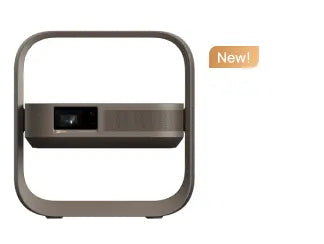
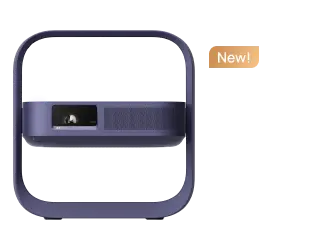
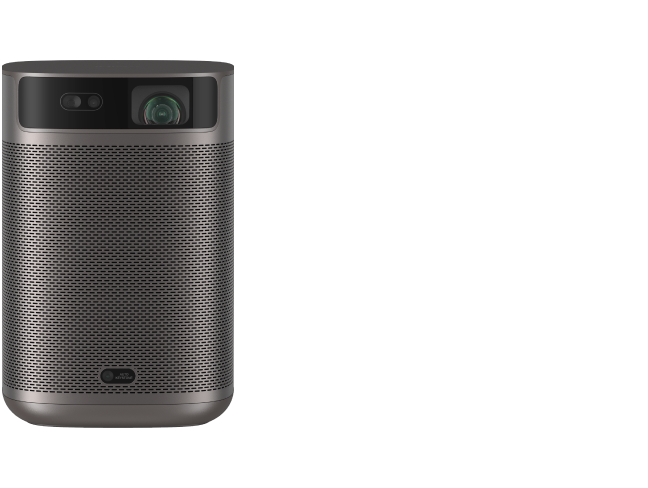
Since Android TV comes pre-installed, the projector like XGIMI MoGo Pro can get software updates straight from the manufacturer, guaranteeing that you always have the most recent operating system and security fixes.
4. App Availability
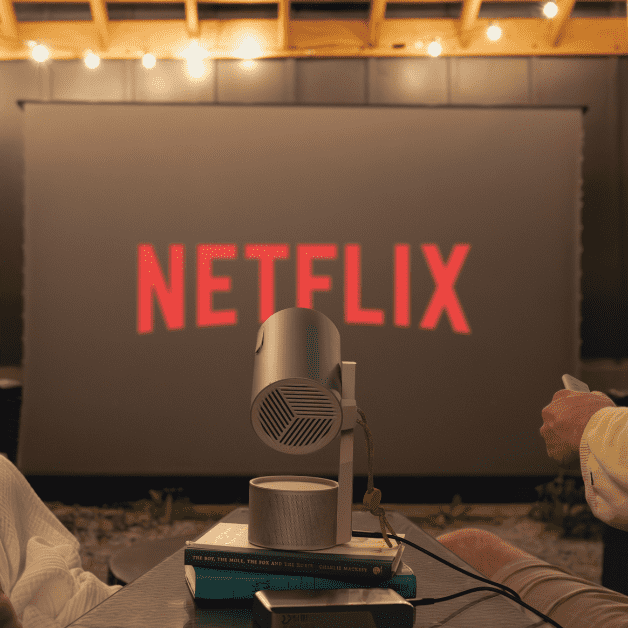
Through Google Play, Android TV projector users may download a wide variety of apps, including games, utilities, and other tools designed specifically for TV viewing, as well as streaming services like Netflix, Hulu, and Disney+.
5. Built-in Voice Manage
Google Assistant is integrated into a lot of Android TV projectors, enabling voice commands to operate the projector, search for content, change settings, and even manage other smart home appliances.
Cons of Buying a Projector with Built-in Android TV System
1. Smart ATV Projector with High Cost
Compared to normal projectors, Android TV integrated projectors are often more expensive, particularly if you're choosing a high-quality model with reliable features like bright lighting, sharp resolution, and long-lasting lights.
2. Budget-Friendly Models with Limited Performance
Some Android TV projectors with lower price points may have a less potent processor, which can lead to stuttering, poorer performance, or even restrictions on running specific applications or streaming at higher resolutions.
3. Less Flexibility
You are limited to using the built-in system, and won't be able to switch to a newer version or another platform if Android TV has problems or limits. In this case, you might need a TV stick or external device to connect for streaming or casting.
Pros of Buying a Inexpensive Projector and ATV Stick to Plug in
1. Reduced Cost
Buying a projector with Android TV integrated into it is frequently more expensive than getting a simple projector with an Android TV stick. Now the ATV sticks or boxes on the market are about to cost $30-50. If you're looking to save costs, this can be a tempting alternative.
2. Flexibility to Replace or Upgrade
You can replace the latest Android TV stick with advanced functions to use with a low-cost projector instead of buying a new projector. You can also easily replace the ATV stick if it becomes obsolete or if you want a better streaming experience.
3. More Streaming Options
Compared to certain built-in Android TV systems, you can pick a higher-quality streaming device with an Android TV stick, such as an Amazon Fire TV Stick 4K or Chromecast with Google TV, which can provide more processing power and smoother app performance.
Cons of Buying a Cheap Projector and ATV Stick to Plug in
1. Possibility of Compatibility Problems
Some projectors, particularly those that are older or have fewer ports, will not work well with Android TV sticks. You may experience problems with the stick's power consumption, display resolutions, or HDMI compatibility.
2. Manual Setup
Compared to the built-in Android TV system that can be used directly after turning on the projector, the external TV stick may require a few more manual steps. It may require additional adapters like power extensions or make sure the stick stays connected.
3. Cables
If you use an Android TV box to stream on a projector, you need cables or adapters. Excessive cords and gadgets might detract from a projector-based system's clean look.
Conclusion
Your priorities will determine which option is best for you. A projector with Android TV built-in would be perfect if you value ease and a simplified experience. The XGIMI Black Friday Sale will have special offers for home or portable projectors with Android TV. Click and have a look!
If you don't mind the additional clutter, an inexpensive projector with an Android TV stick could be a better choice if you want to save money upfront and have more options when it comes to your streaming device.
Although each of these choices has drawbacks, the choice ultimately comes down to your spending limit, how crucial usability is, and the type of streaming experience you want.
4K & Portable Projector Recommendations
Big-Screen Cinema, Wherever You Go
All-in-one 4K entertainment in one hand.

Enhanced ISA 5.0
Effortless alignment

150° Flip Stand
Project anywhere



Enjoy $50 off Your Next Purchase
Be the first to know about any news and sales!
*By subscribing, you agree to receive XGIMI's marketing emails and XGIMI's Privacy Policy.