









Wireless and Wired Connections for Projectors: Types and Pros & Cons
By XGIMI Tech - 2025-12
In today's digital era, smart projectors have become deeply integrated into both office environments and home entertainment. Whether giving presentations during business meetings or creating a private home theater, they play a vital role. When connecting projectors to smartphones, computers, gaming consoles, and other devices, wireless and wired connections are two common choices.
Each connection method has distinct characteristics, along with varying strengths and limitations. Understanding their differences helps us to make optimal decisions for different scenarios.
Wired Connection for Projectors: The Stable and Reliable “Traditional Choice”
1. Working Principles and Three Common Interfaces
Video projector connections primarily rely on various data cables or adapters to transmit signals between devices. Common interface types include HDMI, VGA, and USB.
● HDMI interfaces is the most common connection method for modern smart projectors due to their ability to simultaneously transmit high-definition audio and video, widely compatible with a wide range of devices. They not only support 1080p HD image transmission but also handle 4K resolution with ease. Additionally, they transmit multi-channel audio, delivering an immersive audiovisual experience.

● VGA interface is relatively “older,” primarily used for video signal transmission. While it offers slightly lower clarity, it still holds a place in older devices or scenarios where image quality demands are not as high.
● USB interface is more versatile, capable of not only transferring data but also charging low-power devices. It is extremely convenient for connecting USB drives or portable hard drives to play multimedia files.
2. Advantages: Stable and Fast
● The most prominent feature of wired connections is their exceptional stability. Since data is transmitted through physical cables, it remains virtually immune to external interference. This effectively prevents signal interruptions and lag, ensuring smooth video playback. Whether streaming high-definition videos, engaging in intense gaming battles, or delivering critical business presentations, wired connections consistently deliver high-quality visuals and audio.
● Additionally, fast transmission speeds represent another significant advantage of wired connections. For instance, connecting gaming consoles like the Switch, Xbox, or PS to an XGIMI gaming projector, such as the HORIZON 20 Pro, gives you a screen over 100 inches while delivering latency as low as 1ms. This offers a vastly different experience compared to playing fast-paced games on smaller screens.
3. Disadvantages: Inflexible
The main drawback of wired connections is their limited flexibility. This restricts the placement of connected devices and the projector itself. Insufficient cable length can also create awkward situations. Furthermore, when transporting the projector for mobile use, storing and carrying the data cables becomes cumbersome, adding unnecessary hassle to travel.
4. Suitable Using Scenarios
By listing the pros and cons of wired connections for projectors, we can know that they are best suited for fixed-location setups at home—connecting to TV sticks, Apple TVs, or other streaming devices, or pairing with gaming consoles.
They also excel in office environments as display screens for computers, ensuring stable and rapid presentation of work documents for meetings and presentations.
Wireless Connection for Projectors: A Convenient and Free “New Trend”
1. Implementation Methods and Techniques
The wireless connectivity options available for XGIMI projectors primarily include DLNA, Miracast, AirPlay, and others. They leverages technologies like Wi-Fi and Bluetooth to link devices with the smart video projector. Using Wi-Fi as an example, the three common protocols enable users to wirelessly mirror screen content from smartphones, tablets, laptops, and other devices onto the projector.
● DLNA protocol specializes in multimedia sharing, enabling the effortless exchange of videos, music, and images across devices.
● Miracast is a common wireless screen mirroring standard for Android devices, supporting cross-platform connections. It enables quick screen sharing even between devices of different brands.

● AirPlay, Apple's proprietary wireless transmission protocol, offers simple and convenient operation for conneting iPhone, iPad, Macbook to a projector or other monitors. It is highly popular among Apple users.

● Bluetooth technology is typically used to connect peripherals like wireless speakers, enabling audio output functionality and further enhancing the user experience.
2. Advantages: Convenient, Simple, and Versatile
● The greatest strength of wireless connectivity lies in its convenience. Free from the constraints of cables, users can move devices freely—whether walking around a meeting room to present proposals or comfortably streaming shows from a phone to a TV while lounging on the sofa. This eliminates worries about cable limitations, enabling truly unrestricted operation.
● Wireless setup is relatively simple, requiring only basic pairing between devices to establish connections, making it accessible even to non-technical users.
● Wireless connectivity effectively avoids issues caused by incompatible ports, significantly enhancing device versatility. This allows equipment from different brands and with various port types to connect seamlessly to projectors.
3. Disadvantages: Unstable and Limited in Some Cases
The main drawback of wireless connectivity is its instability. In complex network environments or with weak signals, it can lead to lag, stuttering, or even disconnections. This is particularly noticeable when mirroring high-frame-rate games or streaming 4K HD videos, which demand high network bandwidth and stability.
Wireless screen mirroring to a movie projector may also be blocked on some platforms because of DRM (Digital Rights Management).
4. Suitable Using Scenarios
Wireless projection is ideal in everyday home scenarios or outdoor activities. Whether mirroring your phone to watch shows or movies, or displaying family photos on a large screen, it offers simplicity, speed, and ease of use without extra cables. All XGIMI portable and home projector models support wireless projection, provided they are connected to the same Wi-Fi network.
How to Choose the Right Projector Connection Method?
In practical use, we can select the appropriate connection method based on different scenarios and needs.
● For fixed locations requiring high image quality and stability—such as business presentations or home theater viewing—wired connections are undoubtedly the superior choice. They ensure high-quality video and audio output, delivering an exceptional audiovisual experience.
● When rapid device connectivity and flexibility are needed in mobile scenarios, wireless connections offer greater convenience, enabling effortless screen mirroring anytime, anywhere.
All XGIMI projectors support both wireless and wired connections, allowing users to switch flexibly based on actual conditions to achieve optimal performance.
Both wireless and wired connections have their respective pros and cons, and neither is inherently superior. Understanding their characteristics allows us to make informed decisions based on specific needs when using smart projectors for movies, games, or presentations. This allows for the full utilization of the device's capabilities and ensures a superior audiovisual experience.
Projector Recommendations
Just Play,
Your Way
Our Innovation, Your Style

Mini Size, Maximum Entertainment
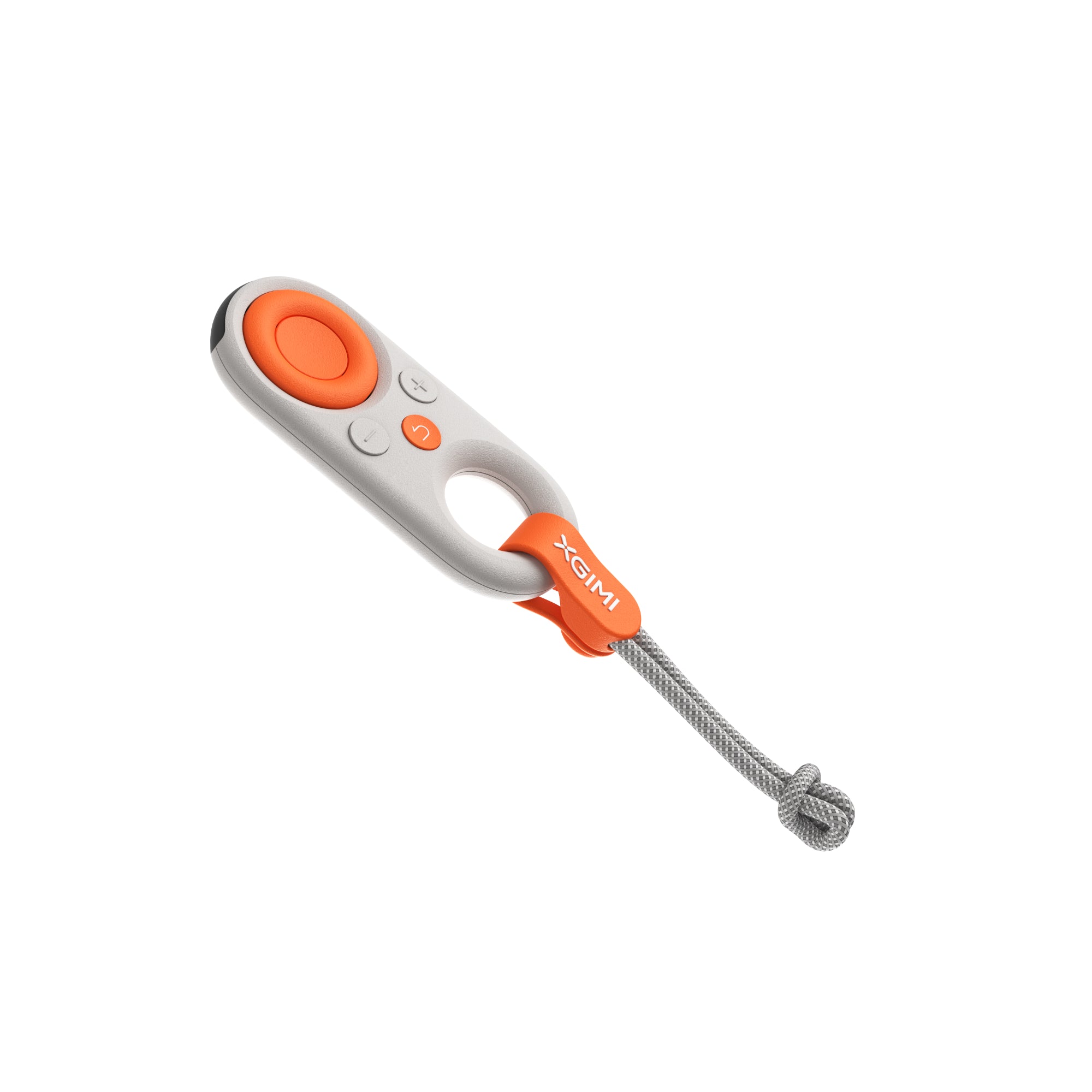
Mini Remote Control


Enjoy $50 off Your Next Purchase
Be the first to know about any news and sales!
*By subscribing, you agree to receive XGIMI's marketing emails and XGIMI's Privacy Policy.