











How to Properly Clean and Maintain Your Projector for Long-Term Use?
By XGIMI Tech - 2026-1
If your smart projector starts producing blurry images, responding slowly, or crashing more often, it may be signaling that maintenance is overdue. As a modern device that combines large-screen entertainment, smart interaction, and practical office functionality, regular cleaning and upkeep are essential. Proper maintenance not only helps extend the projector’s service life, but also preserves image clarity and ensures a stable, smooth smart user experience.
Today, we'll unlock the complete maintenance and cleaning tutorials tailored for smart projectors, keeping your device performing at its peak.

Inside Smart Projectors: Why Proper Care and Maintenance Matter
Compared with traditional projectors, today’s home projector models integrate smart operating systems and wireless connectivity, forming a comprehensive “projection plus intelligence” ecosystem. In addition to essential components such as the lens, cooling system, light source, and filters, modern projectors also include processing chips, onboard storage, and wireless antenna modules that support intelligent features and seamless connectivity.
The lens remains crucial for image clarity; the cooling system demands higher thermal management due to continuous smart system operation; the light source module provides stable illumination; the filter screen blocks dust intrusion; while the processing chip and memory act as the device's intelligent brain, and the wireless antenna ensures stable network connectivity.
These precision components are highly sensitive to environmental conditions and handling, making targeted maintenance and cleaning imperative.
Daily Maintenance: Proactive Care for Your Home Projector
1. Protecting the Cooling System: Proper Placement and Daily Monitoring
During operation, the smart system and projection functions work simultaneously, generating significantly more heat than traditional models.
● Ensure at least 15-20 cm of clearance around the device for heat dissipation.
● Avoid placing it in enclosed TV cabinets or on soft fabric surfaces.
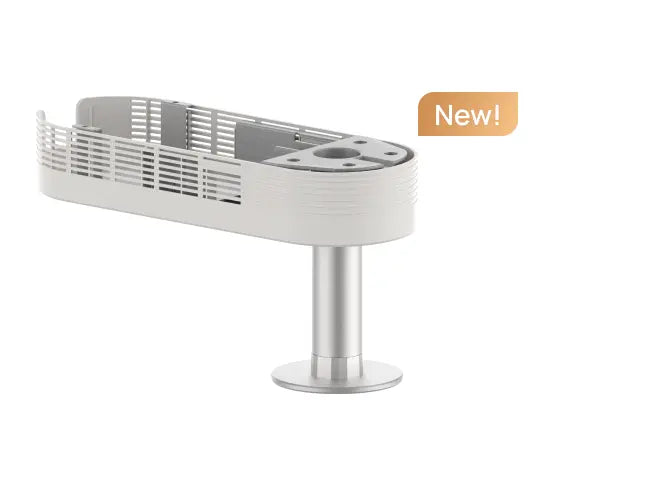
● Using a dedicated stand with ventilation holes and placing a small cooling fan beneath the device for additional heat dissipation is recommended.
● Regularly monitor device temperature via the built-in system monitoring feature.
● If persistent overheating or abnormal fan noise occurs, promptly investigate and clean the system.

2. Using Smart Projector Features the Right Way: Power and Daily Operation Tips
Smart video projectors feature more technologically advanced power-on/off and usage operations.
● To power on, first connect the power supply. Once the device indicator light stabilizes, wake the system using the remote control or voice commands.
● To power off, do not disconnect the power directly. First, select the “Power Off” option from the system interface. Wait for the device to complete its shutdown and cooling procedures. Only disconnect the power after the indicator light turns off.
During daily use, avoid frequent plugging and unplugging of external devices to prevent electrical surges from damaging internal circuits. For extended periods of non-use, enable the device's “Sleep Mode” to facilitate quick wake-up while reducing energy consumption and hardware wear.
3. How to Store Your Home Projector Properly: Tips for Long-Term Care
Smart home projectors contain precision electronic components and intelligent systems, making the storage environment critically important.
● It is suggested to store them in a dry, cool, dust-free space away from strong magnetic fields and signal interference sources such as routers and microwave ovens.
● When the device is idle for extended periods, power it on at least once a month for approximately 30 minutes to maintain the functionality of electronic components and prevent system data loss.
● Additionally, regularly update the device's smart system to not only fix vulnerabilities but also unlock new features and enhance the user experience.
Deep Cleaning: Revitalizing Your Smart Projector
1. Lens Cleaning: Polish the “Visual Window” of Your Projector
The lens of a smart projector is prone to accumulating dust and fingerprints from frequent use, which can degrade image quality. When cleaning, always use professional lens cleaning tools such as a lens pen, lens cleaning solution, and a lint-free cloth.
First, gently sweep away surface dust with the brush of a lens pen. Then, apply 1-2 drops of cleaning solution onto a lint-free cloth. Starting from the lens center, wipe outward in a spiral motion with light, steady strokes to avoid scratching the lens coating. Never use rough materials like paper towels or regular eyeglass cloths to prevent lens damage.

2. Filter Cleaning: Safeguard the “Breathing Pathway”
The filter serves as the primary defense against dust entering the device. For smart home projectors, cleaning is recommended every 80–150 hours of use. Filter locations and removal methods vary slightly by brand and model, typically situated on the side or rear of the unit. After removal, use a vacuum cleaner to remove surface dust or gently rinse with clean water (ensure it is completely dry before reinstallation). If the filter is damaged or severely clogged, replace it promptly to maintain proper ventilation and heat dissipation, preventing system instability due to overheating.
3. Thorough Cleaning of the Projector Body and Interior
Smart video projectors typically feature an integrated design.
● When cleaning the exterior, use a slightly damp, soft cloth to gently wipe the surface, avoiding ports and ventilation openings to prevent moisture ingress.
● For internal cleaning, non-professionals should never attempt disassembly due to the presence of precision electronic components and smart modules. If significant internal dust accumulation is detected, contact official after-sales support or professional technicians for cleaning using specialized tools like compressed air to ensure safe and stable operation.
Additionally, regularly clear cache files from the smart system using built-in cleanup tools or third-party optimization software to free up memory space and enhance processing speed.
Advanced Maintenance: Unlock the Performance Potential of Smart Projector
Beyond basic upkeep and cleaning, numerous advanced maintenance techniques can elevate your projector's performance. Here are three ways: Regularly calibrate the display using the device's built-in image correction features to adjust keystone, focus, color, and other parameters, ensuring optimal visual quality.
Optimize wireless connectivity by strategically positioning your router to minimize signal interference. Periodically restart both the router and the projector's wireless modules to maintain stable network connections. If your projector supports smart voice control or AI picture enhancement features, regularly test these functions to ensure they operate correctly.
Conclusion
Maintaining and cleaning your smart projector isn't a complex technical challenge. By mastering the right methods and schedules, you can keep your device performing at its best. Start implementing these tips today to ensure your projector consistently delivers crisp, seamless large-screen viewing, convenient smart interactions, and effortless performance—whether for home entertainment, online learning, or business presentations.
Projector Recommendations
Just Play,
Your Way
Our Innovation, Your Style

Mini Size, Maximum Entertainment
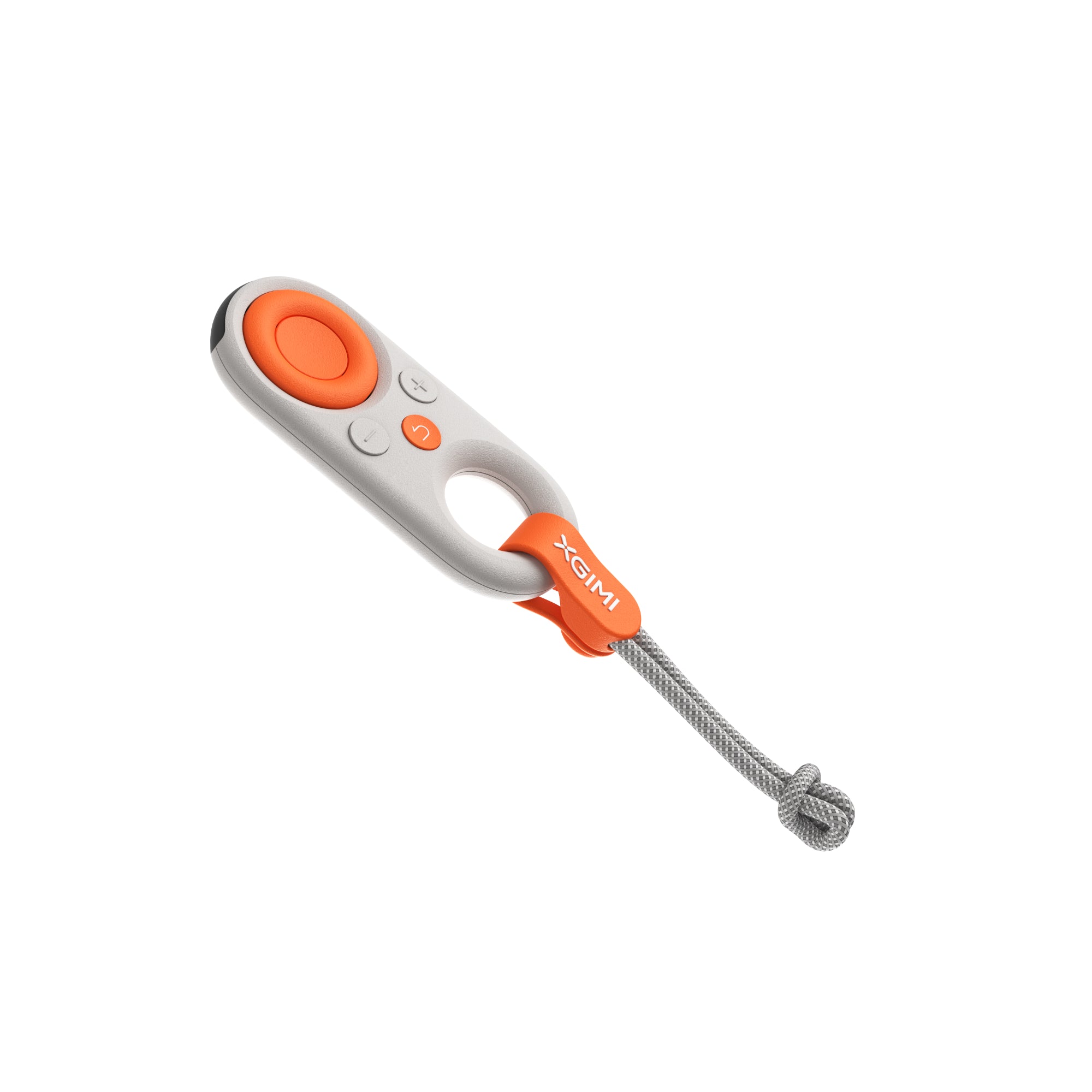
Mini Remote Control


People Also Read


Enjoy $50 off Your Next Purchase
Be the first to know about any news and sales!
*By subscribing, you agree to receive XGIMI's marketing emails and XGIMI's Privacy Policy.